Meta Conversions API for WordPress
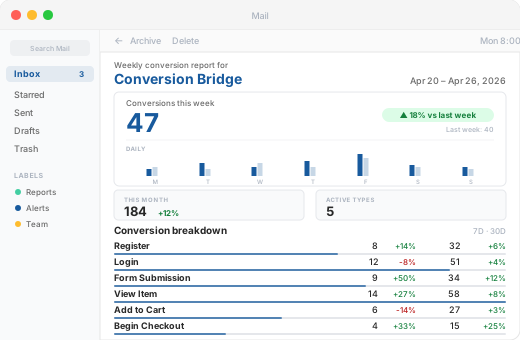
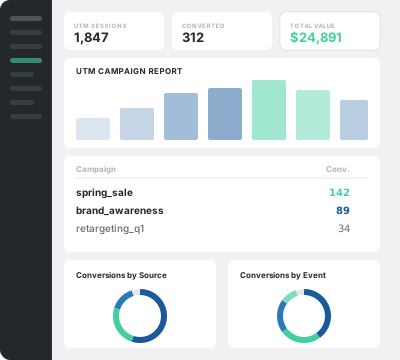
Conversion Bridge sends conversion events server-side from your WordPress site to Meta through the Conversions API. You paste in an access token from Meta Events Manager, and events go out from your server alongside the browser Pixel. No tag manager, no separate tracking server, no code.
Server-side events matter because browser tracking gets blocked. Ad blockers and privacy tools stop the Pixel from firing for a real share of your visitors. The Conversions API sends the same event from your server, so Meta still receives signal the browser lost. It won't recover everything, but it recovers conversions the Pixel alone would miss, which improves attribution and ad optimization.
How to Set Up the Facebook Conversion API on WordPress
Setup takes minutes. You need your Pixel ID and an access token from Meta.
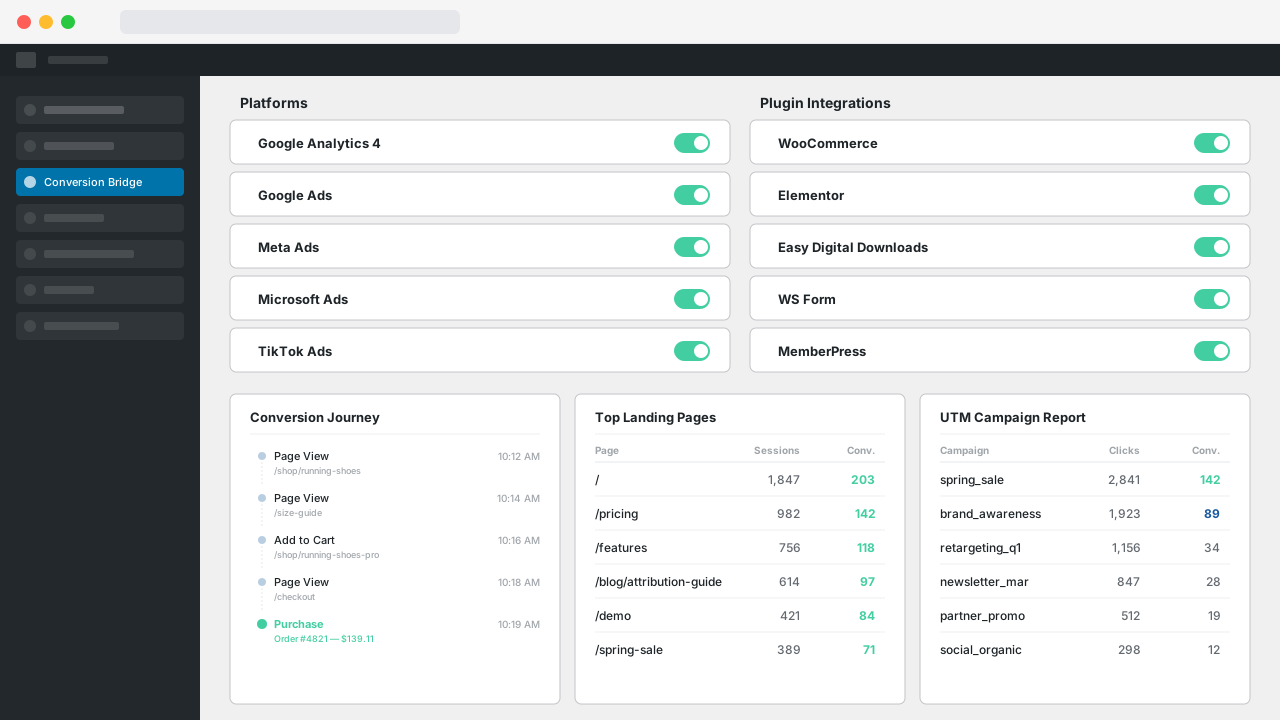
- In WordPress, go to Settings → Conversion Bridge → Platforms and enable Meta Ads.
- In Meta Events Manager, open Data Sources, select your Pixel, and copy the Pixel/Dataset ID into Conversion Bridge.
- In the same Pixel's Settings, scroll to Conversions API and click "Generate access token." Paste it into Conversion Bridge.
- Optional: paste a Test Event Code from the Test Events tab to confirm server events are arriving, then remove it when done.
That's it. Once an access token is saved, conversion events are sent through the API automatically. You can also turn on API tracking for every pageview if you want full server-side coverage. The Meta Ads setup guide walks through each step with screenshots, including running multiple Pixels at once, each with its own access token.
Event Deduplication and Advanced Matching
When the Pixel and the Conversions API both report the same conversion, Meta needs to know it's one event, not two. Conversion Bridge handles this for you. Both copies share the same event ID, so Meta counts the conversion once.
Conversion Bridge also sends Advanced Matching data with server events. In the plugin this setting is called Enhanced Conversions, since it works the same way across every ad platform Conversion Bridge supports. Customer details like email, first name, last name, and phone are hashed with SHA-256 before they're sent, so Meta can match the conversion to a real ad click without receiving raw personal data. Facebook's own browser and click identifiers (_fbp and _fbc cookies) are forwarded too. All of this raises your Event Match Quality score in Events Manager, which means better attribution and lower costs per result.
Works With the Plugins You Already Use
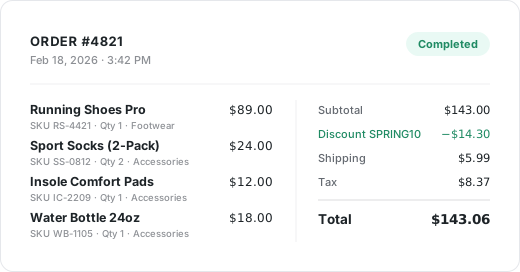
Conversion Bridge connects 76 WordPress plugins to Meta, so purchases, form submissions, and signups become Meta standard events without any custom code. A WooCommerce purchase goes out as a server-side Purchase event with product IDs, quantities, and revenue attached. Form plugins send Lead events. Membership and registration plugins send CompleteRegistration. You enable the integration, and the events flow.